ADHD & executive function
Stop rewriting the same list.
It lives here now.
I got fed up writing the same shopping list every single week. Same items, same stores, same exhausting mental overhead. TickLists keeps your list permanently — items never disappear. Just tick when you need something, untick when it's in the trolley. Done.
Who it helps
Built for brains that work differently
ADHD adults
You know what you need but retyping it every week is draining. Your list lives in TickLists permanently. Never start from scratch again.
Executive function challenges
Planning and sequencing are hard. Having your list auto-sorted into the right aisle order means less decisions, less backtracking, less overwhelm.
Routines that never stick
Use TickLists for morning and evening routines too. Day tags show only today's tasks — not a wall of everything at once.
Why it works
Fewer decisions. Less mental load.
Your list never needs rewriting
Most shopping list apps delete items when you check them off. TickLists items are permanent. Ran out of milk? Tick it. Bought it? Untick it. The item stays on your list forever — in the right position for your store — without you having to remember to add it back. One list, set up once, used for years.
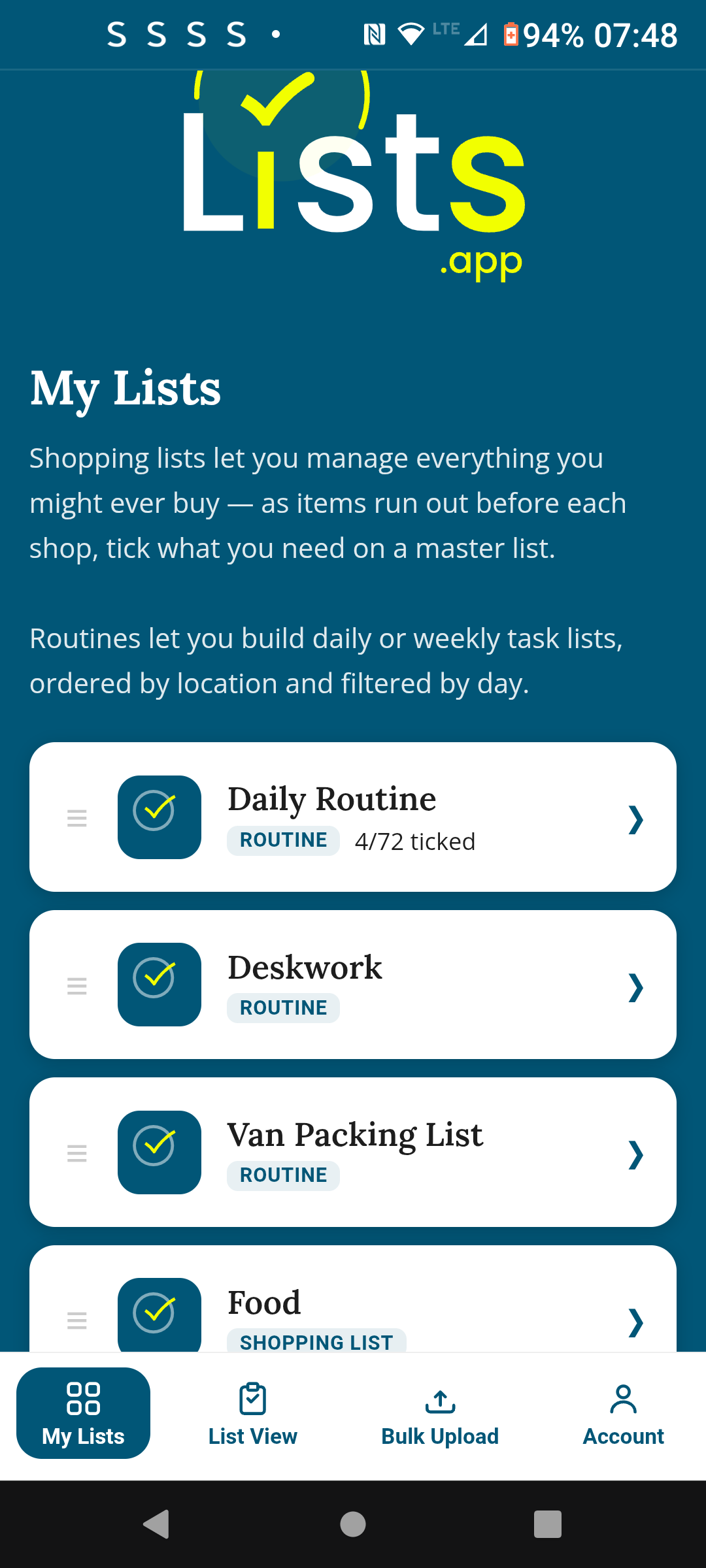
Sorted into your store's aisle order
Set the section order once — Fruit & Veg, Dairy, Meat, Bakery, Frozen — and your list reorders itself automatically every time. No backtracking. No standing in the dairy aisle trying to remember if you passed the cereal yet. Every store can have its own order, so Lidl and Waitrose both work perfectly.
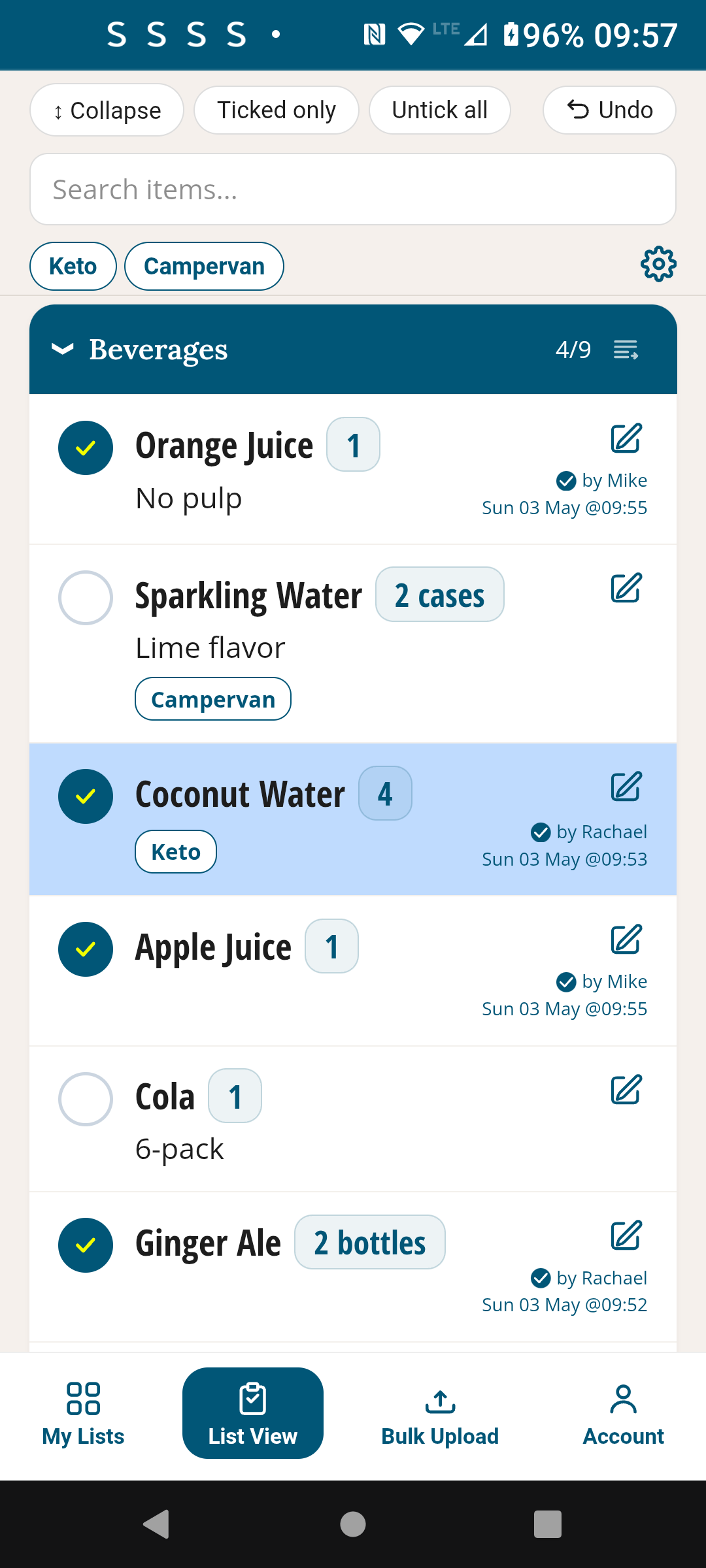
Morning routine? It's here too.
TickLists handles routines as well as shopping. Set up your morning and evening routine once, with day tags so Monday only shows what matters on Mondays. Tick each step as you go. Reset and it's ready tomorrow. No separate app, no extra subscription — it's all in one place.
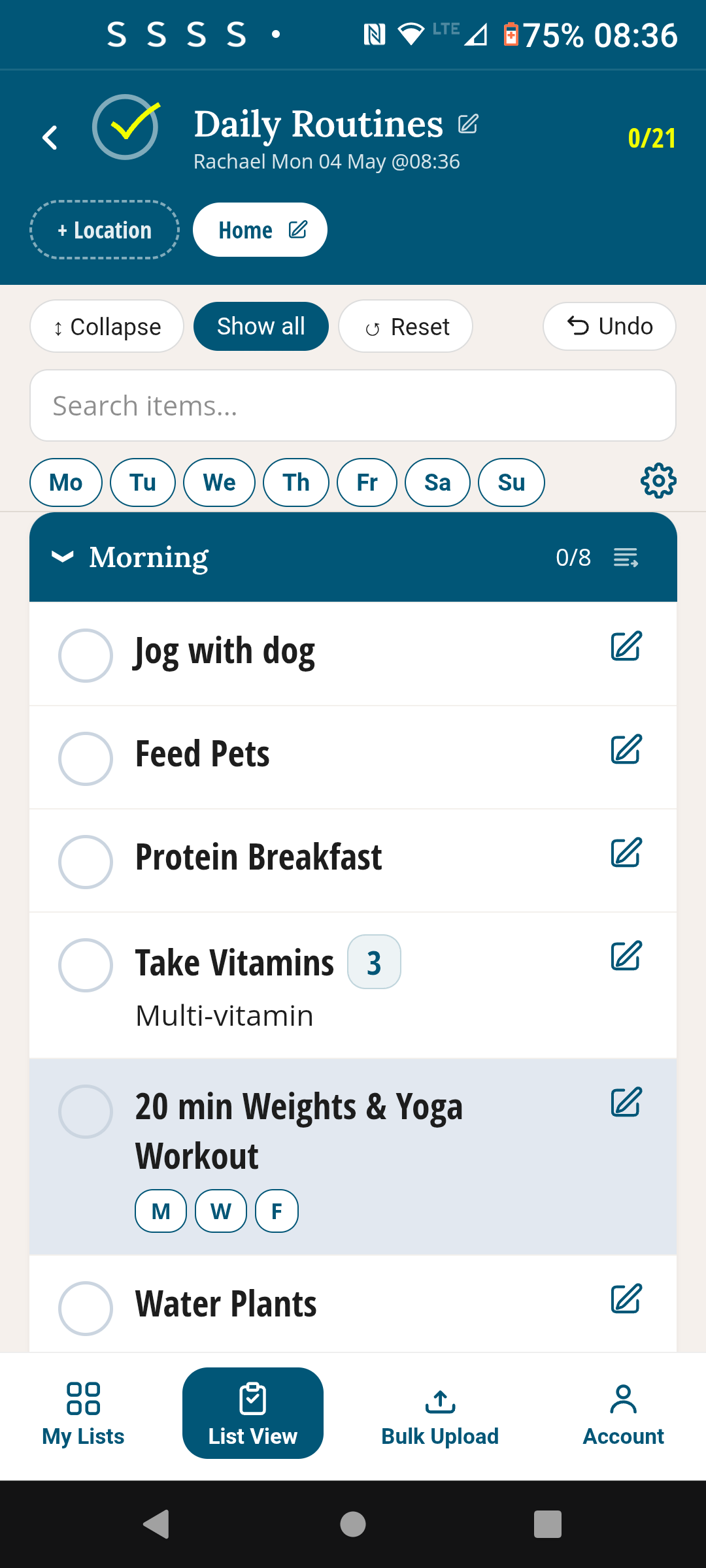
How it works
Set it up once in under 10 minutes
Create your list
Open TickLists, create a new Shopping List. Name it after your main store. Add sections for each aisle — Fruit & Veg, Dairy, Meat and so on.
Add your items
Add everything you buy regularly — even things you don't need right now. Assign each item to its section. Use bulk upload to paste a list in one go.
Tick what you need
Before you shop, tick the items you need. The list sorts itself into aisle order automatically — just follow it from top to bottom.
Untick as you go
Each item you put in the trolley — untick it. Done? Unticked items drop back down. Your list is always ready for the next shop. Nothing to rebuild.
Early feedback
"I've tried every list app going. They all delete the item when you tick it, so I'm back to typing the same 40 things every single week. TickLists is the first one that actually keeps the list. I cannot explain what a relief that is."
Your list. Permanent. Sorted. Done.
Free to start. No credit card. Works on Android, Mac, tablet — no App Store needed.
Free · No credit card · Works on any device
Also in TickLists
Daily routines that actually stick
Morning, evening, gym, work — one reusable routine per section. Day-tagged so only today's tasks show. Tick, reset, repeat.
See Daily Routines →