TickLists is a productivity app that keeps your daily routines and lists organised.
Your shopping list, always in the right order for any store
One master list, synced on everyone's device.
Need something? Tick it. Bought it? Untick it.
Every store remembers its own section order — no backtracking in the aisles.
Free to use · No credit card · Works on any device
Who it's for
Built for real life
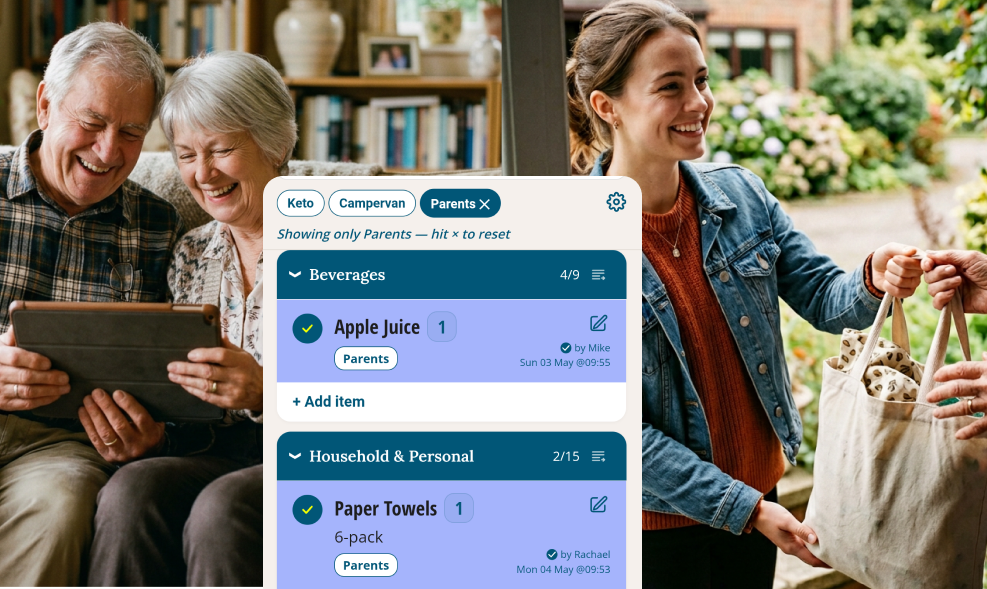
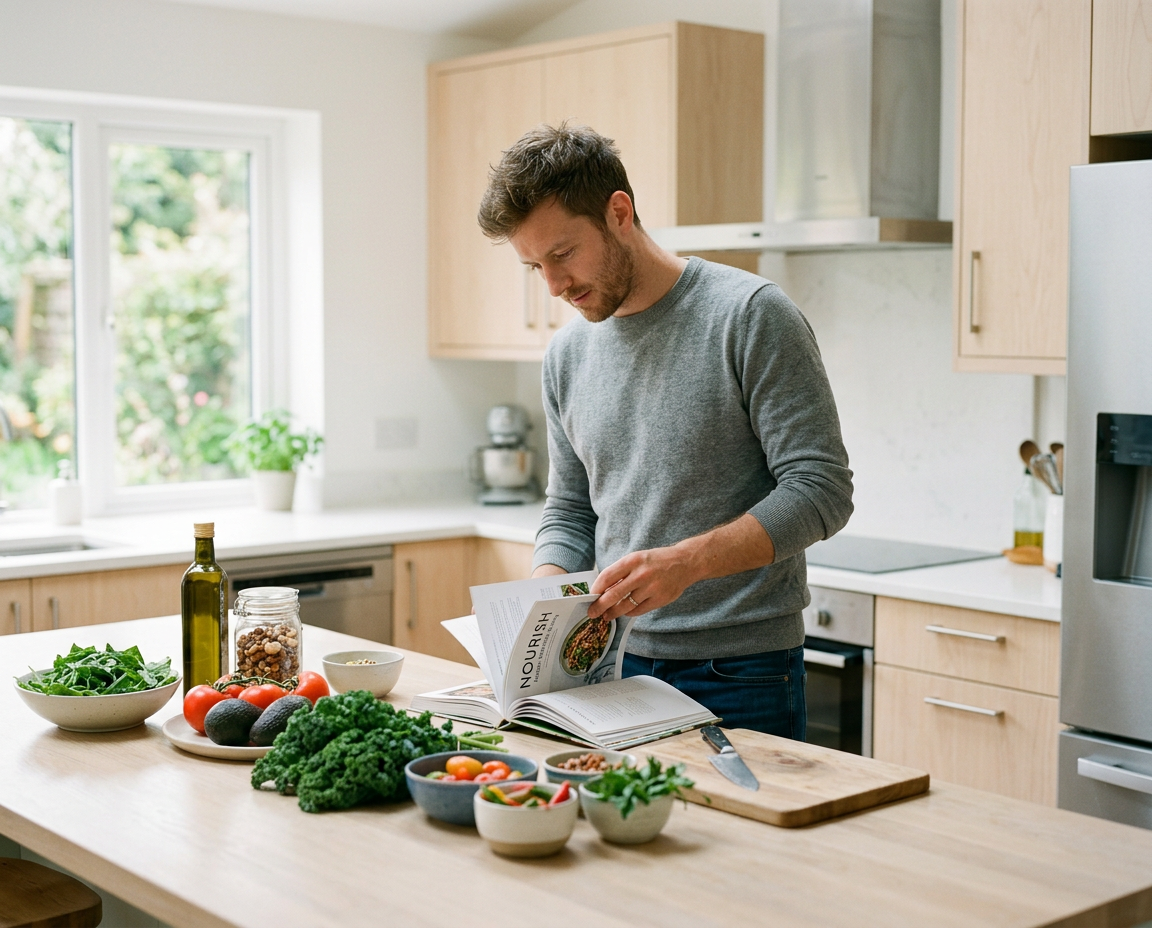
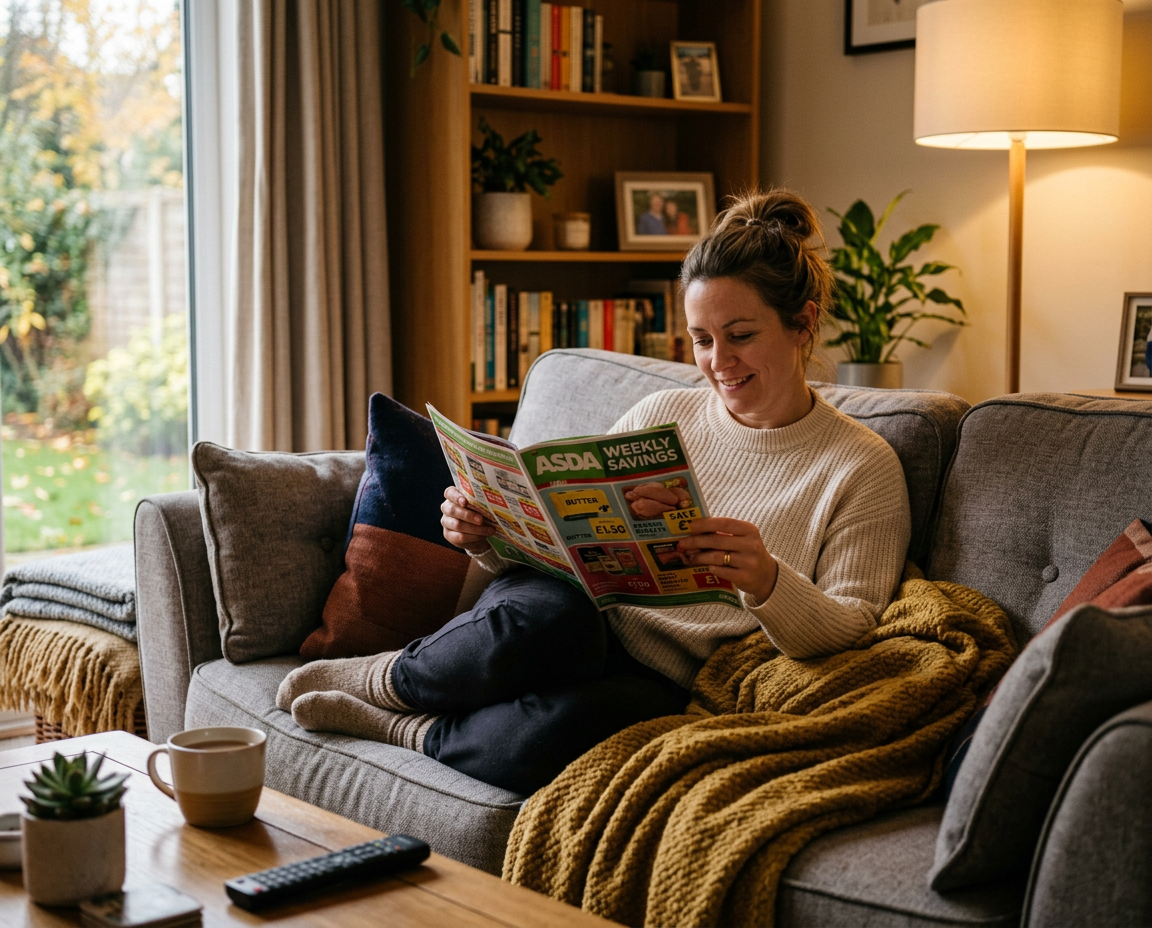
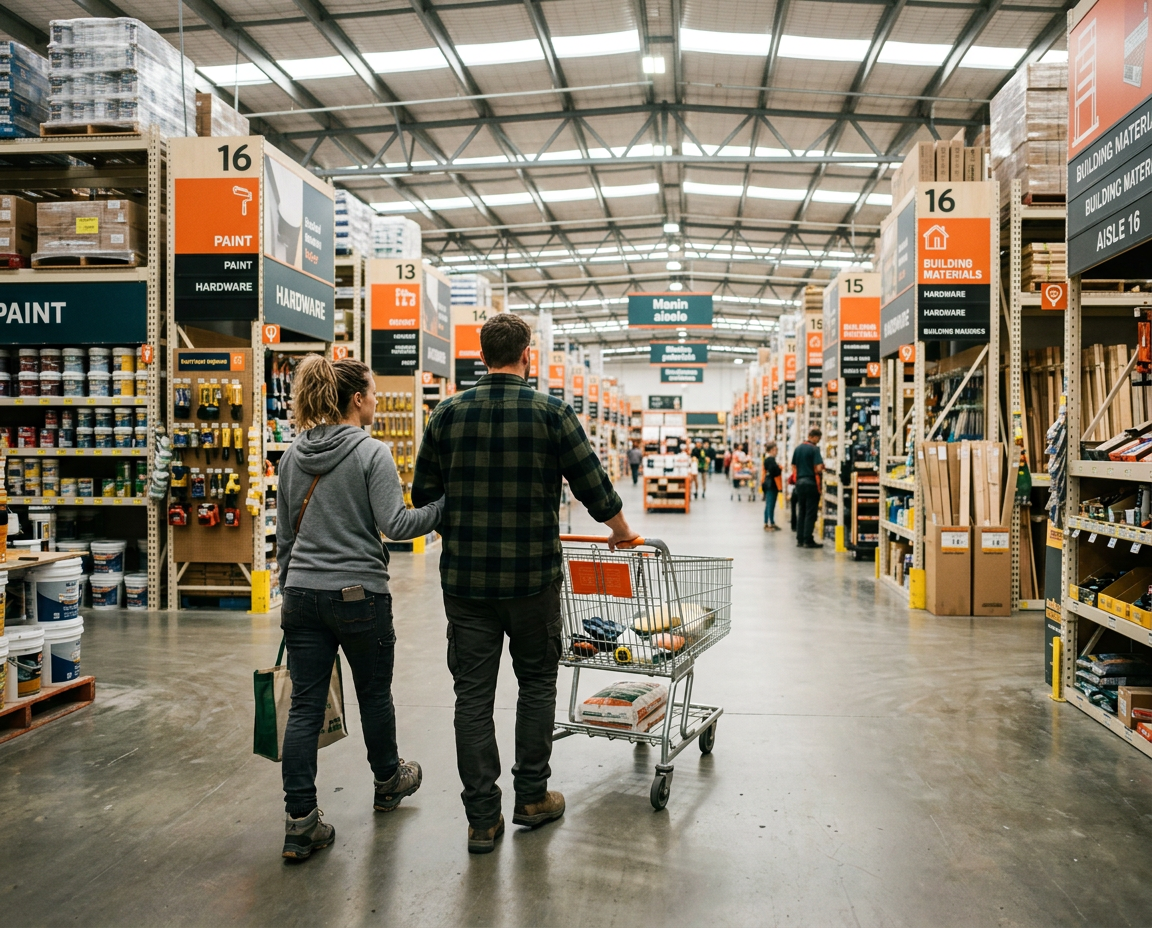

Ticklists is different — keep one master list, tick when you need something, untick when it's bought. The list is always ready for the next shop.
Tick a Food item once. Appears in every Food store.
Tick "Apples" and it immediately shows as needed at every store you shop — each one already sorted to that store's own section order. No re-ticking per store. One tick does all of them.
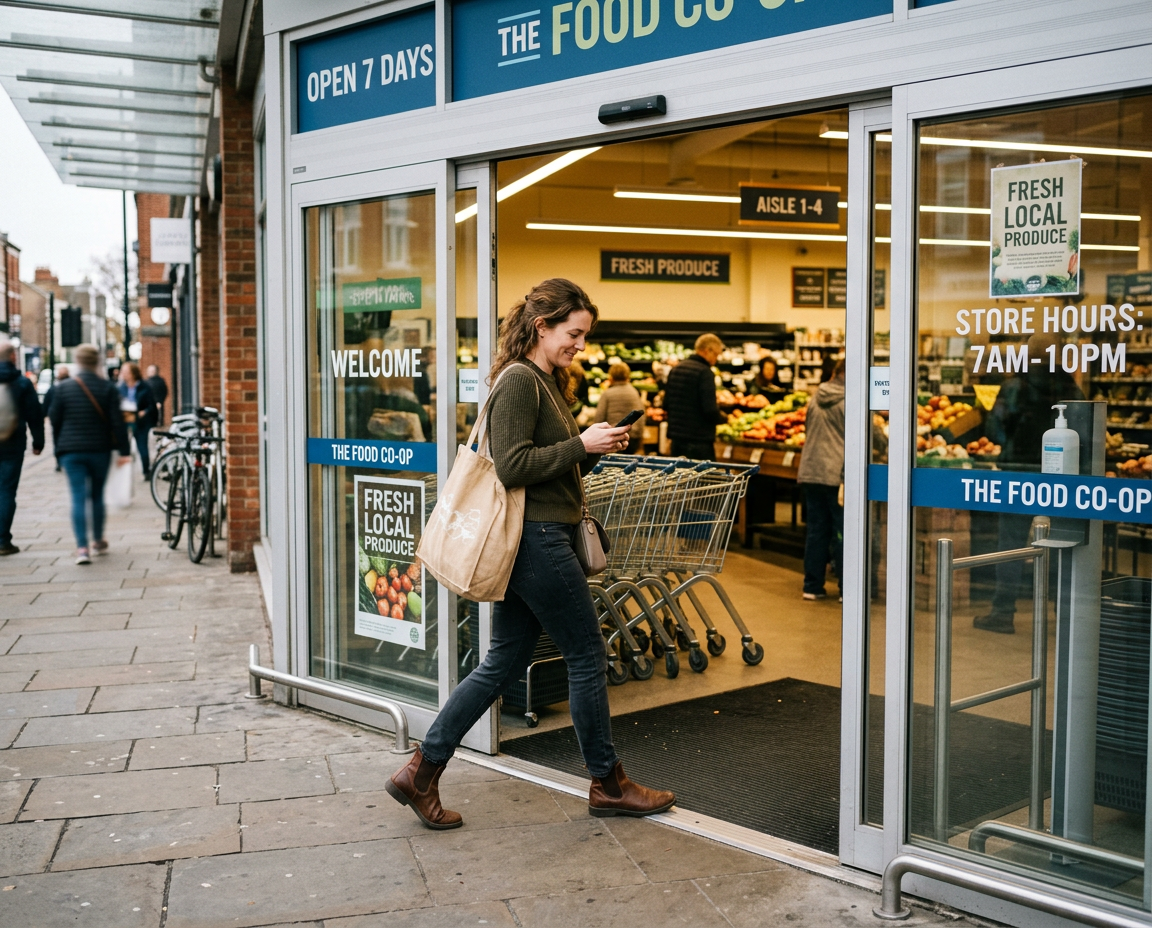
The right items. The right aisle. Every time.
Why it's different
Built for how families actually shop
Tick what you need. Untick when it's bought.
Your items don't get deleted — they stay on your master list unless you edit them.
Running low on something? Tick it. In the store, click ‘Ticked only’ to focus ONLY on what you need to buy.
Once items are bought, bulk untick to reset the list and start over.
Every store in its own order
Your Aldi on the high street is laid out differently from the one close to your work — and both are different from your Tesco. TickLists maps each location individually. Set the section order once per store, and your list sorts itself correctly for wherever you're shopping today.
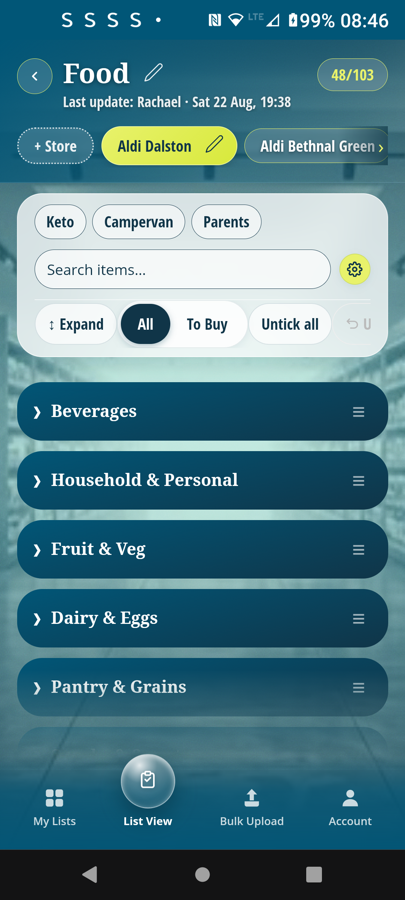
Aldi Dalston
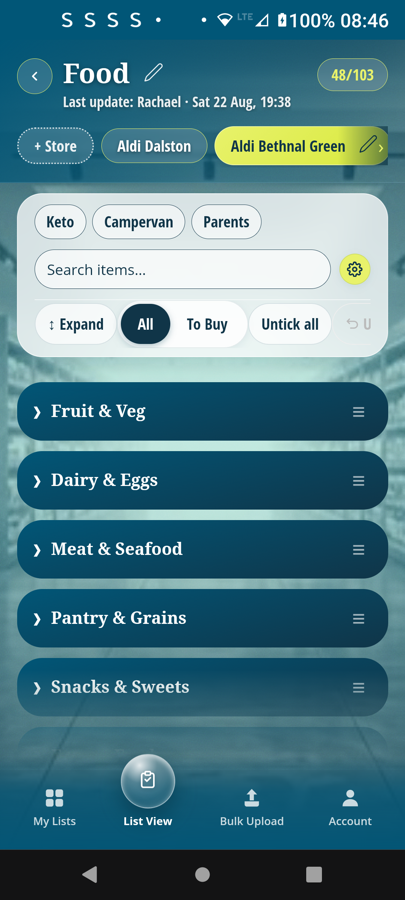
Aldi Bethnal Green
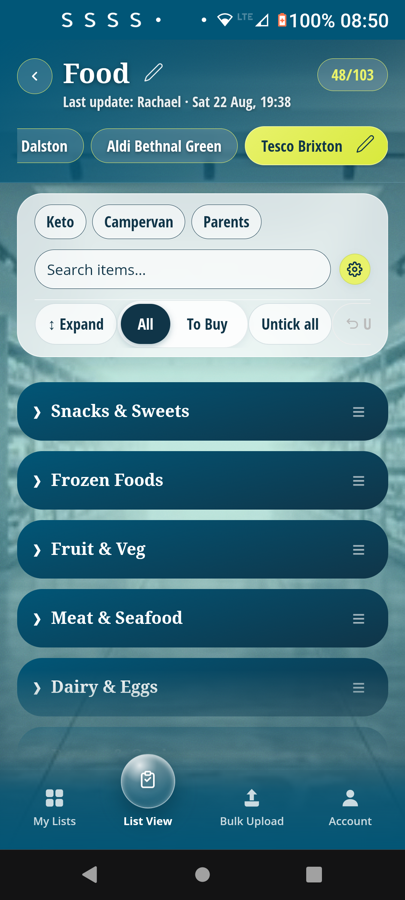
Tesco Brixton
Same list — three stores — each in its own section order
Keep food separate from hardware
Ticking "Screws" in your Hardware list won't clutter your Food shop — and vice versa. Keep a list for Food (Aldi Dalston, Aldi Bethnal Green, Tesco Brixton) and a separate one for Hardware (B&Q Brixton, Wickes Camden). Each list knows its own stores.
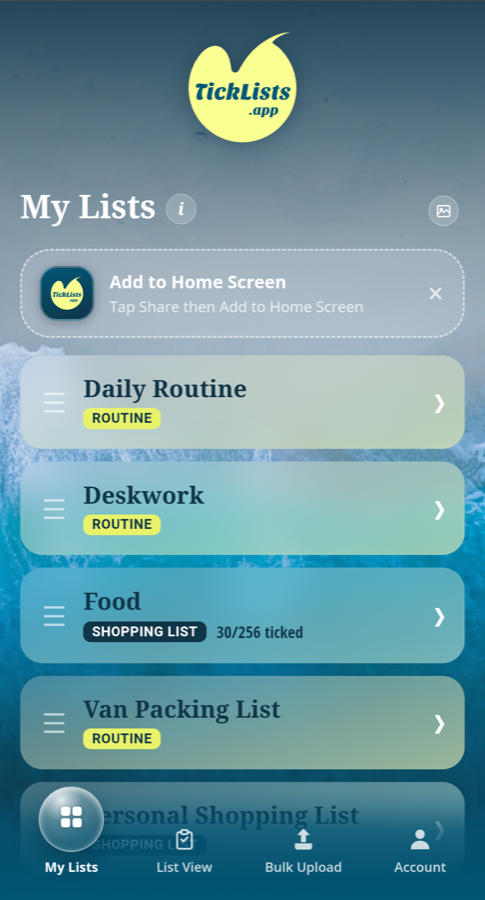
Get set up in minutes, not hours
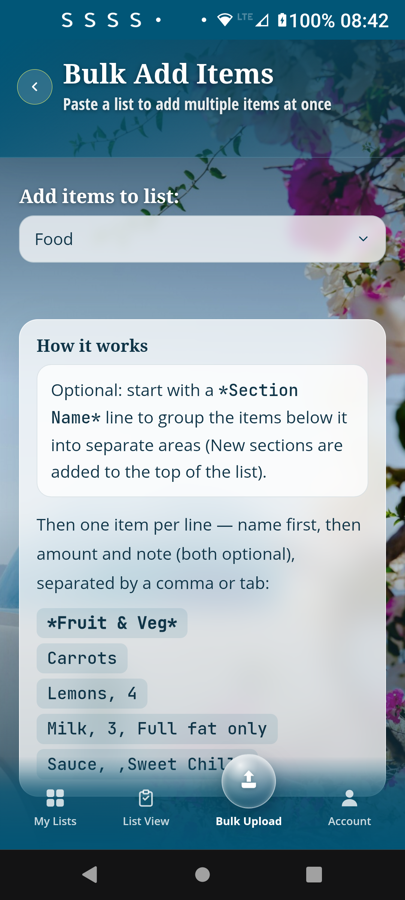
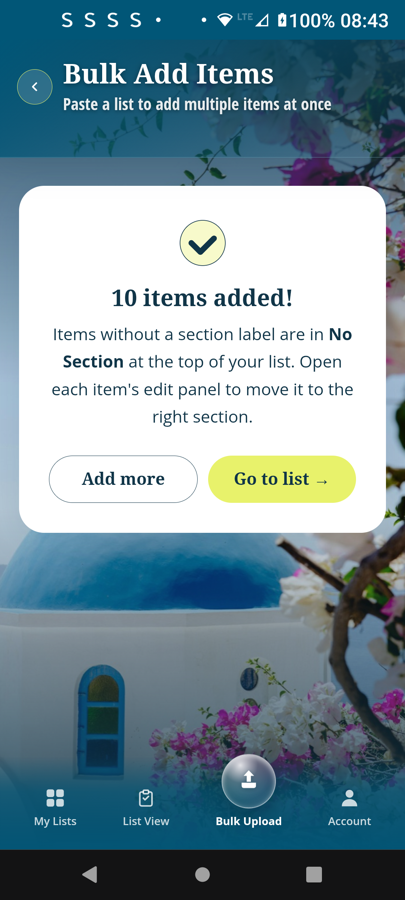
With bulk upload, just paste a list — one item per line. Add *Section names* at the top of each group and sections are created automatically. Your whole list, set up in seconds.
One list. Share and sync with everyone.
Mike at home uses up the last orange juice, ticks it on the list. Rachael leaves work, calls in to the supermarket on her way home — and arrives with orange juice and the rest of the shop.
Anyone can tick or untick. Every change shows the person's name and timestamp, so there's no doubling up, ever.
How it works
Four steps and you're shopping efficiently every time
Build your master list
Add everything you ever buy — once. Paste in from a note or spreadsheet if you like — one bulk upload, not hours of typing and clicking save.
In seconds, map each store once —
Drag departments into the right order for any store you shop at. Every location saved permanently — even two Aldis with different layouts.
Tick what you need
Running low on something? Tick it. It shows as needed on everyone's phones — at every store — instantly.
Shop, untick, tick, repeat
Brought the shopping home? Click 'Untick all' to clear the whole list and start again. It clears for everyone, with your name and time stamped on it.
Early feedback
"I tick what we're out of, and it's sorted in walking order, and live on my husband's phone within seconds. I didn't know I needed this."
Frequently asked questions
What is TickLists? +
TickLists is a free web app for shared, permanent shopping lists and daily routines. Items never disappear — you tick when needed and untick when bought. Lists automatically sort into your exact store walking order, and changes sync in real time with everyone you share with.
Does TickLists work on Android? +
Yes. TickLists is a Progressive Web App (PWA) — it works on Android, iPhone, Mac, Windows, and any device with a browser. No app store download needed; just open ticklists.app and install from your browser.
Is TickLists free? +
Yes. The free tier includes one shopping list and one routine. Pro (€5/month) unlocks up to 10 shopping lists and 10 routines. Sharing is unlimited on all plans.
Can I share my list with my family? +
Yes. Share any list with anyone — they see your ticks update in real time. When one person ticks an item in the supermarket, everyone else sees it instantly. Sharing is free on all plans.
How is TickLists different from other shopping list apps? +
Three key differences: (1) Items are permanent — they never disappear after ticking, so you never retype your regular groceries. (2) You set a section order once per store and the list always sorts itself into that walking order. (3) It's a web app — no app store required, works on any device. See the full comparison with AnyList, Speed Shopping List and OurGroceries →
Can I use TickLists for daily routines too? +
Yes. TickLists supports both shopping lists and routines. Tag routine items with days of the week so only today's tasks appear. One tap resets the whole routine for tomorrow.
The last shopping list you will ever need.
Always ready, shared and in sync. Free to use.
Free to use · No credit card · Works on any device
Also in TickLists
Use TickLists for your Daily Routines too
Repeating task lists with day-by-day filters, shared in real time. One tap to reset.
See Daily Routines →