Airbnb & short-let hosts
Your turnover checklist, set up once. Done every time.
Set up your cleaning checklist once — room by room. Share it with your cleaner. They tick off each task on their own phone, no app to download. One tap resets it for the next guest.
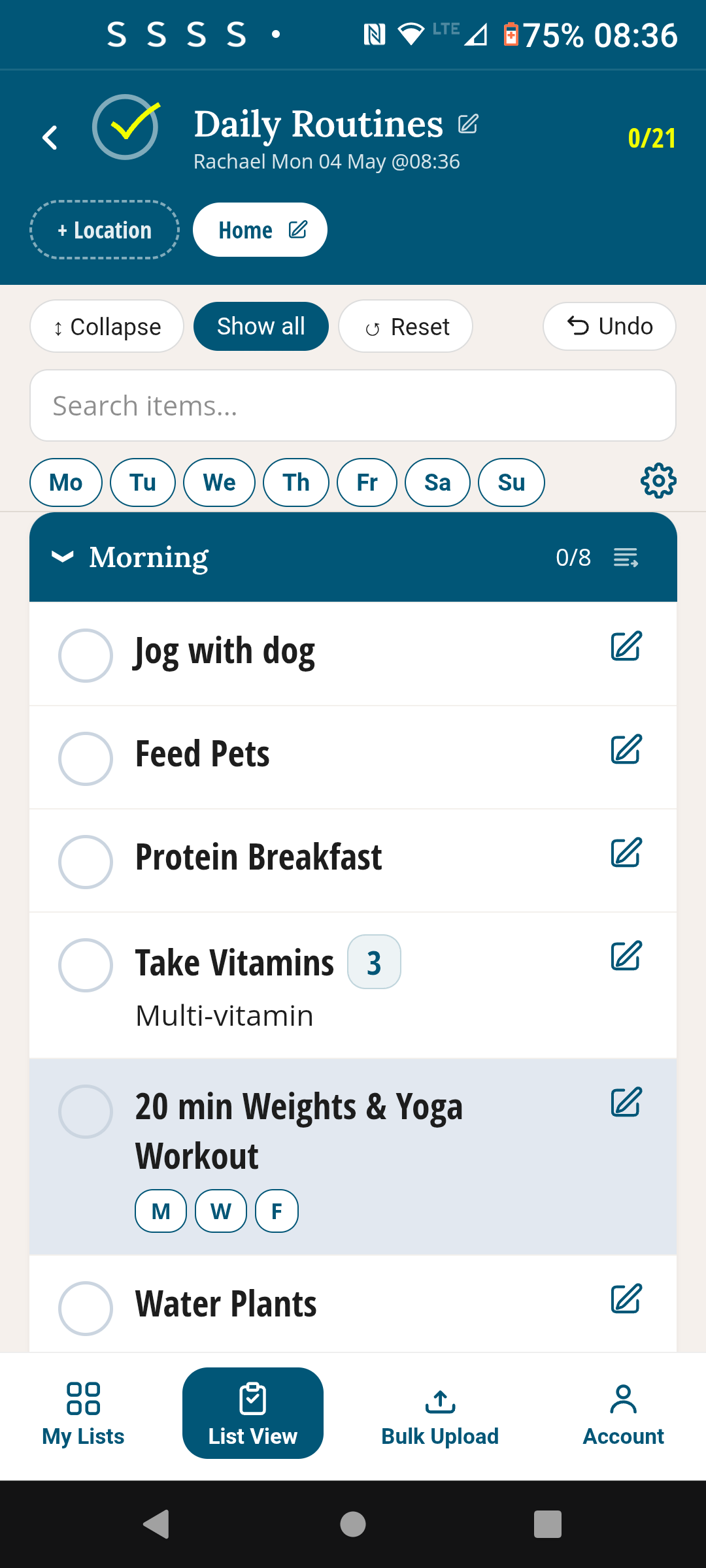
Who it's for
Built for hosts who want simple, not software

Solo Airbnb hosts
One property, one shared checklist. Your cleaner works through it room by room — you see what's been ticked from your phone anywhere.

Multi-property managers
Set up a separate checklist for each property. Each cleaner shares the right list. Pro plan handles up to 10 — one per property.

Cleaners & cleaning teams
No app to download — works in any browser. The host shares the link once, you bookmark it. The checklist is always there, always fresh.
Why it works
A better way to run your turnovers
Set it up once. Use it forever.
Add every cleaning task — once. Organised by room: Kitchen, Living Room, Bedroom 1, Bedroom 2, Bathroom, Outdoor. Every task stays on your list permanently. Tick what's done, reset when the cleaner leaves. It's ready again for the next guest — nothing to retype, nothing to re-send.
Share with your cleaner — no download needed
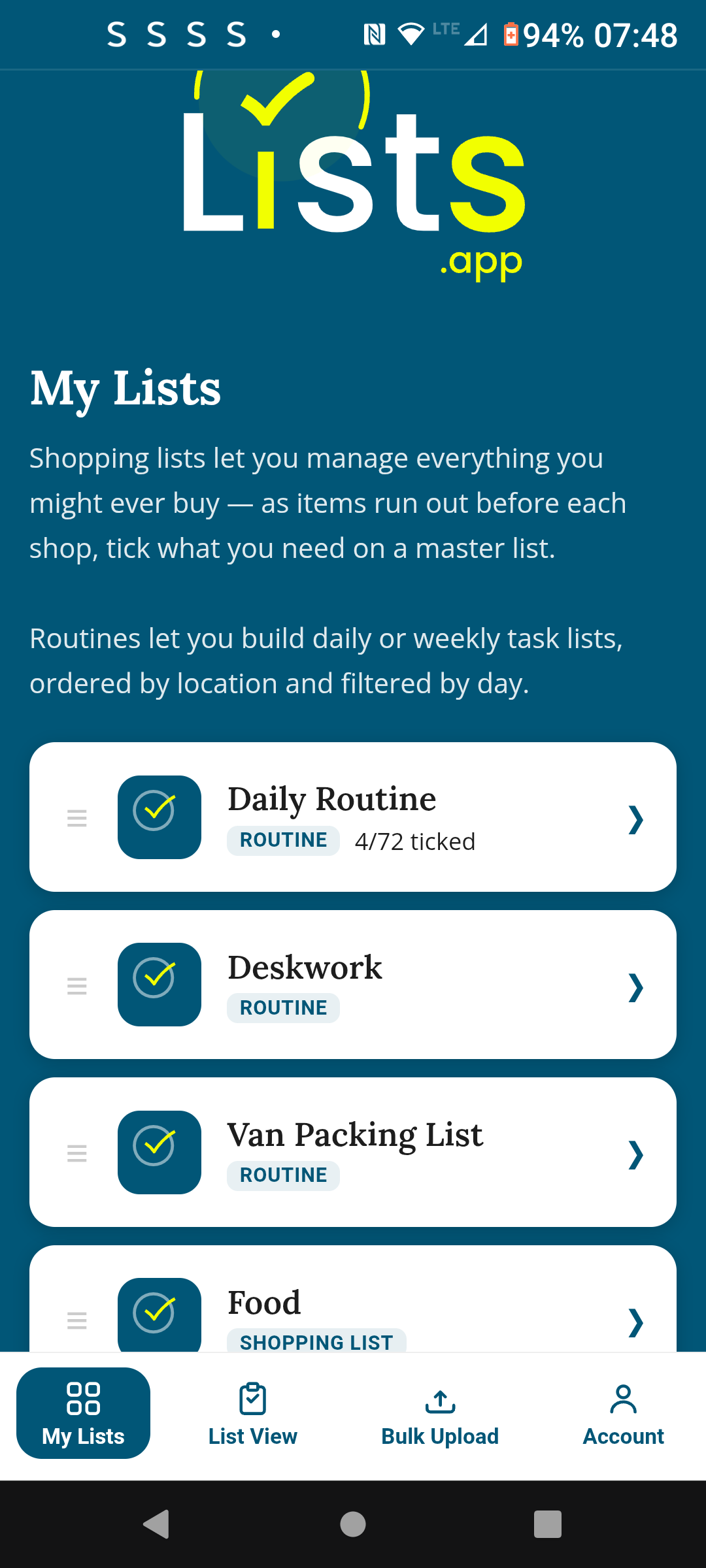
TickLists is a web app. There is no app store, no account required for your cleaner. You share a link once — they open it on their phone in the browser, bookmark it, and it's always there. When they tick a task, you see it update in real time with their name and a timestamp. No more "is it done?" messages.
One tap and it's reset for the next guest
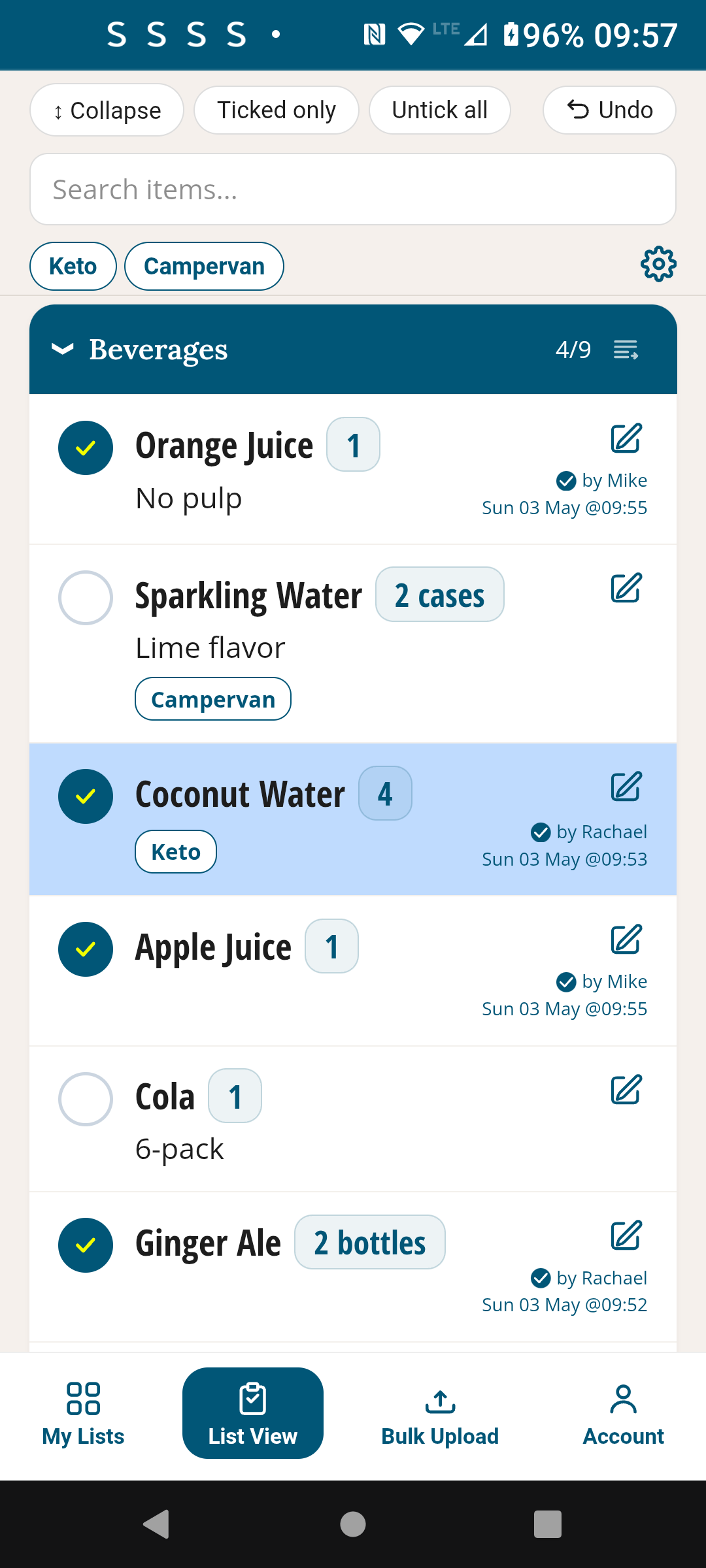
When the turnover is done, tap Reset and every task resets — clean slate, ready to go again. No deleting, no re-adding, no copy-paste. The same checklist, reset and ready, every single time.
Works on any schedule — daily, every few days, weekly. No fixed days forced on you. Reset whenever you need to.
Organised by room, not one long list
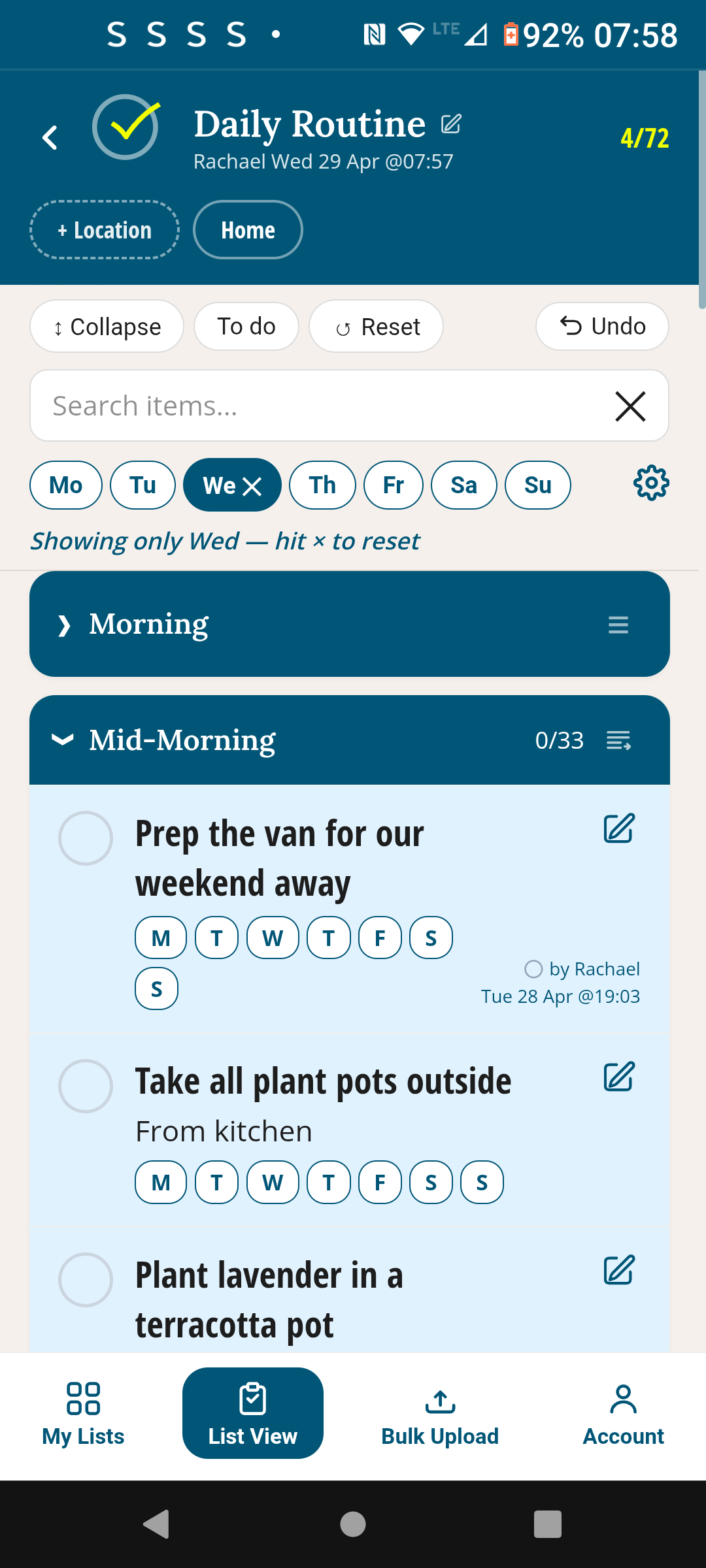
Sections keep the checklist clear. Kitchen tasks are together, Bathroom tasks are together. Your cleaner can collapse finished rooms and focus on what's left. You can see at a glance which rooms are done and which aren't.
Typical sections: Kitchen, Living Room, Bedroom 1, Bedroom 2, Bathroom, Hallway, Outdoor. Set them once — they never change unless you want them to.
How it compares
Why not Turno or Breezeway?
Turno and Breezeway are property management platforms built for large operations — booking sync, invoice management, team scheduling. If you're running one or two short-let properties, that's a lot of software for what is essentially a shared checklist.
| Feature | TickLists | Turno / Breezeway |
|---|---|---|
| Price to start | Free | Paid subscription (from ~$30–60/mo) |
| Cleaner needs an account? | No — works in any browser | Yes — account and app required |
| Reusable checklist with one-tap reset | Yes | Yes |
| Real-time sharing & tick tracking | Yes | Yes |
| Booking system integration | No (TickLists is just the checklist) | Yes |
| Setup time | Minutes | Hours (onboarding, team setup, integrations) |
| Works on any phone, no app store | Yes — it's a web app (PWA) | Requires app download |
If you need booking automation and invoicing, Turno and Breezeway are the right tools. If you just need a shared, reusable cleaning checklist that your cleaner can access immediately — TickLists is built for that.
How it works
Up and running in 10 minutes
Create your checklist
Open TickLists, create a new routine. Name it after your property. Add sections for each room. Use bulk upload to paste your task list in one go — it sets up in seconds.
Share with your cleaner
Send them a share link — one tap and they're in. No account needed, no app to download. Works on any Android or iPhone, straight in the browser.
Cleaner ticks as they go
Each tick is timestamped and shows the cleaner's name. You can watch progress in real time from anywhere — no "is it done?" messages needed.
Reset — ready for the next guest
Once the turnover is done, tap Reset. Every task resets instantly. The checklist is ready for the next booking — nothing to rebuild, nothing to re-send.
Early feedback
"I used to WhatsApp my cleaner a photo of the checklist every single time. Now I shared the TickLists link once, weeks ago, and she ticks it off live. I can see exactly where she's up to from my phone. It's so much simpler."
Set it up once. Use it every turnover.
Free to start. No credit card. Your cleaner needs no account or download.
Free · No credit card · Works on any device
Also in TickLists
Use TickLists for your Weekly Shopping too
One permanent list, sorted to the section order of every store — shared live with anyone on your list.
See Shopping Lists →