Cafés · salons · clinics · print shops
Your shift checklist, set up once. Used every day.
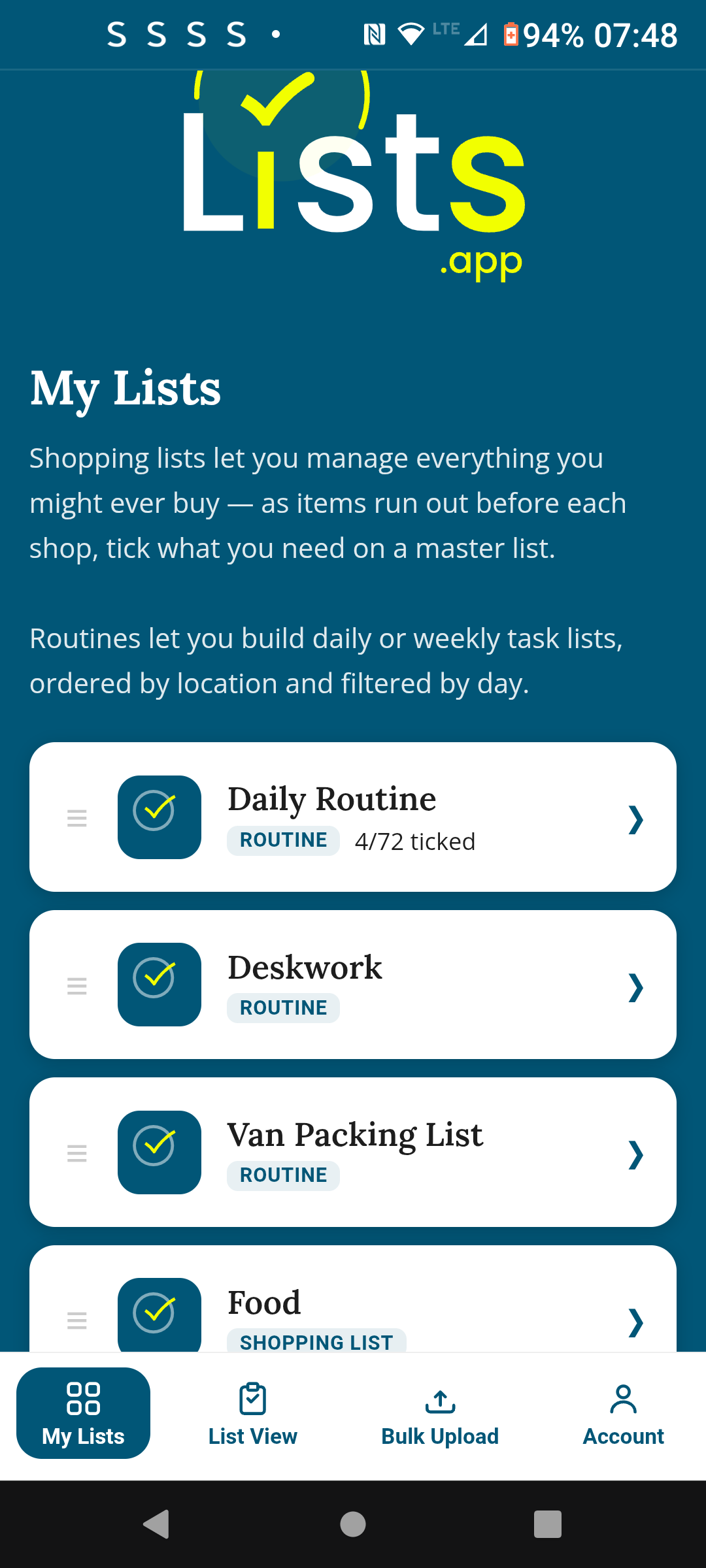
Set up your opening, mid-shift and closing checklists once — organised by task group. Share with your staff — they tick off on their own phone, no app to download. One tap resets it for the next shift.
Who it's for
Any small business with recurring daily procedures
Cafés & restaurants
Opening prep, mid-service checks, closing clean-down. Set up once per shift type. Every staff member ticks their tasks as they go — live visibility for the manager.
Salons & clinics
Daily opening, equipment checks, end-of-day procedures. Shared with each therapist — no paper, no WhatsApp photo. They open the link in their browser and tick as they go.
Print shops & studios
Machine start-up, quality checks, shutdown procedures. Sections keep tasks organised by stage. Staff follow the list in the right order — nothing gets missed.
Why it works
Everything done. Every time.
Set it up once — organised by task group
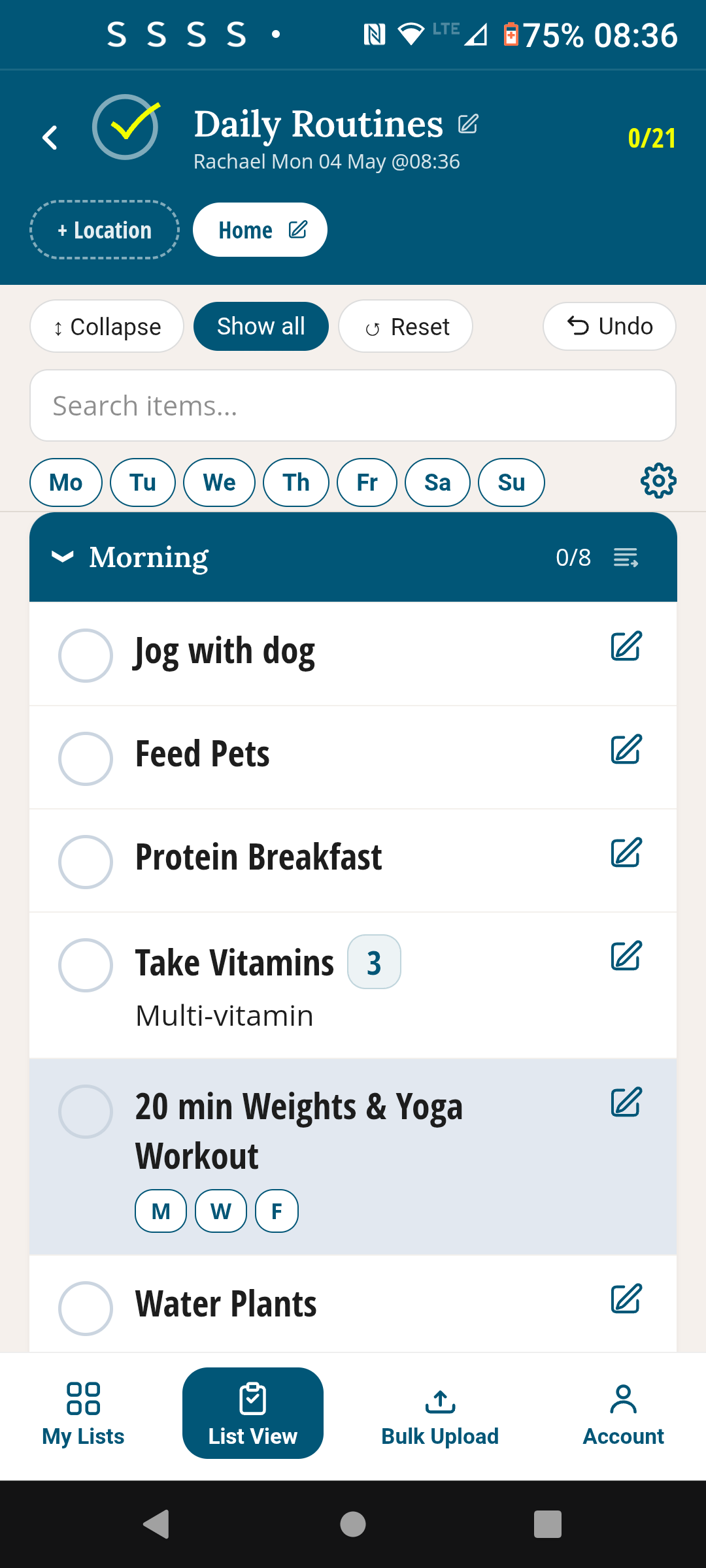
Create a checklist with sections for each phase of the shift: Opening, Mid-shift, Closing. Each section holds its own tasks in the right order. Add everything once — it lives there permanently. Need to update a task? Edit it once and it updates for everyone immediately. No reprinting, no rewriting.
Staff tick off on their own phones — no app needed
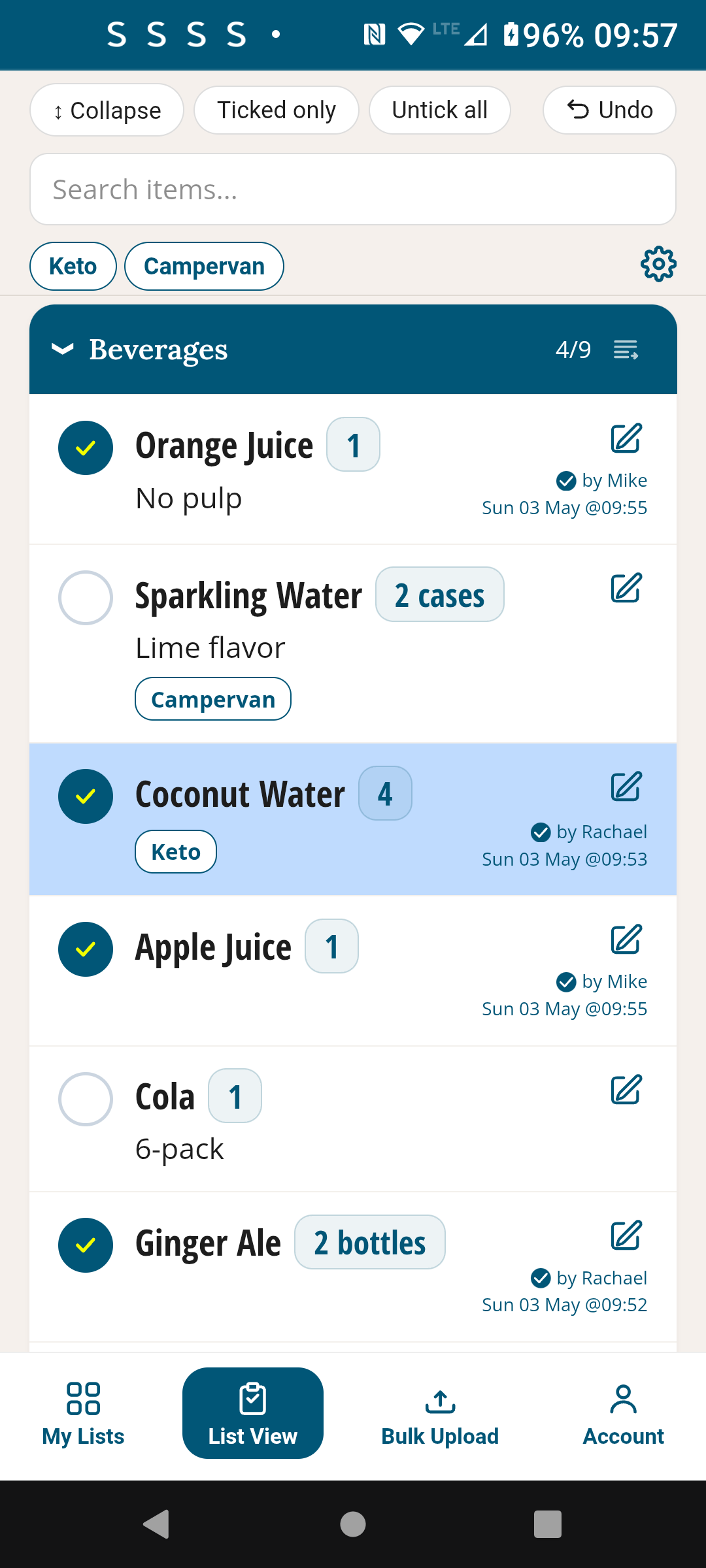
Share the checklist link with your team once. They open it in their browser and bookmark it — no download, no account, no password. When they tick a task, you see it update live with their name and a timestamp. You know exactly what's been done, who did it, and when — from anywhere.
One tap resets it for the next shift
End of shift — tap Reset. Every task unticks instantly. The checklist is ready for tomorrow's opening team. No rebuilding, no re-sending, no starting from scratch. The same checklist, reset and ready, every single day. Pro plan handles up to 10 checklists — one per location, or separate ones for opening, mid-shift and closing.
How it works
Up and running before your next shift
Create your checklist
Open TickLists, create a new Routine. Name it "Daily Shift" or whatever suits. Add sections: Opening, Mid-shift, Closing. Add every task under the right section.
Share with your team
Send the share link via WhatsApp or text — once. Each staff member opens it on their phone and bookmarks it. No account needed, no download required.
Staff tick as they work
Each tick is logged with their name and a timestamp. You can see progress in real time from your phone — even when you're not on site.
Reset for tomorrow
End of shift — tap Reset. Everything clears. The checklist is ready for the next team. Nothing to rebuild. Nothing to resend. Every shift, done right.
Early feedback
"We had a paper opening checklist that was basically being ignored. Now it's on TickLists and shared with the team. I can see from my phone who ticked what and when, even when I'm not in. Tasks that were always being skipped are now done — because there's a visible record. It's transformed the morning routine."
Every shift. Every task. Done right.
Free to start. Pro plan for multiple checklists. No credit card needed to try.
Free · No credit card · Works on any device
Also in TickLists
Airbnb & property turnover checklists
Set up your cleaning checklist once. Share with your cleaner. They tick it off live on their phone — no app download needed. Reset with one tap for the next guest.
See Airbnb Cleaning →